Online Booking Integration Guide: Connect Your Systems
Complete guide to integrating online booking systems with your existing business tools. Connect CRM, payments, and communication platforms seamlessly.
Online Booking Integration Guide: Connect Your Systems
TL;DR
Integrating your online booking system with existing business tools isn't just about convenience—it's about creating a seamless client experience while reducing manual work. This guide covers how to connect your booking platform with CRM systems, payment processors, communication tools, and scheduling software to create a unified business ecosystem.
Setting up online booking is one thing. Making it work smoothly with everything else you use to run your business? That's where most small business owners hit roadblocks.
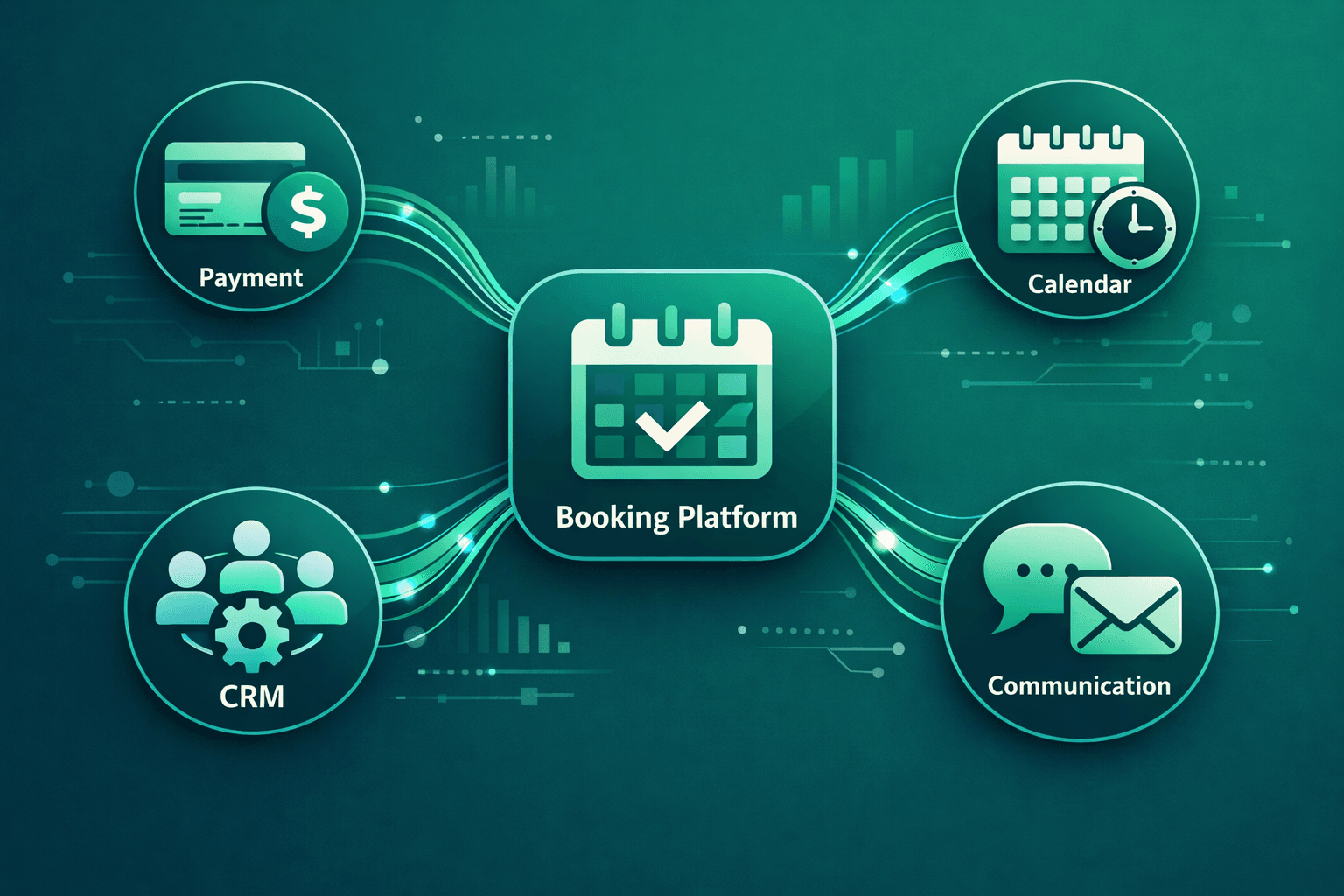
Your booking system shouldn't exist in isolation. When a client books an appointment, that information needs to flow to your CRM, trigger payment processing, send confirmation messages, and update your staff schedules—all without you lifting a finger.
The businesses that nail these integrations see 40% fewer manual tasks and 25% higher client satisfaction scores. Here's how to connect everything properly.
Essential Integration Categories
CRM and Client Management Systems
Your client data should live in one central place, automatically updated from every booking interaction.
Key integrations to prioritize:
Most modern booking platforms offer native integrations with popular CRMs. Vagaro connects seamlessly with Salesforce and HubSpot. Boulevard integrates with Klaviyo for email marketing. Mindbody has built-in CRM features that eliminate the need for separate systems.
The setup usually involves API keys and webhook configurations. Don't let the technical terms intimidate you—most platforms provide step-by-step wizards.
Payment Processing Integration
Smooth payment flows reduce abandoned bookings and improve cash flow.
Critical payment touchpoints:
Square, Stripe, and PayPal integrate with virtually every booking platform. The key is setting up proper failure handling and retry logic. When a payment fails, you want automatic attempts with decreasing frequency—not manual follow-up work.
Communication Platform Connections
SMS and Email Automation
Clients expect timely, relevant communication without feeling spammed.
Essential communication triggers:
Twilio powers SMS for most platforms, while email usually routes through SendGrid or Mailgun. The magic happens in the timing and personalization.
Set up conditional logic: VIP clients get phone calls for same-day bookings, while regular clients get SMS. First-time clients receive welcome sequences with preparation instructions.
Voice AI Integration
This is where modern booking systems really shine. Voice AI can handle calls that come in while you're with clients, book appointments from voicemails, and manage after-hours inquiries.
Shamrok integrates with major booking platforms to provide seamless phone coverage. When someone calls during a facial or massage, the AI answers, checks availability, and books appointments directly into your existing system.
Staff Scheduling and Calendar Sync
Multi-Calendar Management
Your team's availability needs to stay synchronized across all platforms.
Key synchronization points:
Two-way sync is crucial. When staff members block time in their personal calendars, that time becomes unavailable for bookings. When appointments are scheduled, they appear in staff calendars with client details and service notes.
Inventory and Service Management
For product-based services, inventory tracking prevents overbooking.
Integration essentials:
Advanced Integration Strategies
Marketing Automation Workflows
Turn booking data into targeted marketing campaigns.
Workflow examples:
Most email marketing platforms (Mailchimp, Klaviyo, Constant Contact) can pull data from your booking system to create sophisticated automation sequences.
Analytics and Reporting Integration
Connected systems provide better business insights.
Data flows to track:
Google Analytics can track booking conversions from your website, while business intelligence tools like Tableau or Looker can combine data from multiple sources for comprehensive reporting.
Implementation Best Practices
Start Simple, Scale Smart
Don't try to integrate everything at once. Start with the most critical connections:
Add complexity gradually as you master each integration.
Test Everything Twice
Integration failures often happen at the worst times—when you're busy with clients.
Testing checklist:
Run these tests monthly, especially after software updates.
Monitor and Maintain
Integrations can break without warning. Set up monitoring:
Conclusion
Integrating your online booking system with existing business tools transforms scattered software into a unified business management platform. The initial setup requires some technical work, but the long-term benefits—reduced manual tasks, improved client experience, and better business insights—justify the investment.
Start with payment processing and client communication integrations, then gradually add more sophisticated connections as your comfort level grows. Most importantly, test everything thoroughly and maintain monitoring systems to catch issues before they affect clients.
When done right, these integrations become invisible to clients while making your business operations significantly more efficient.
Frequently Asked Questions
What's the most important integration to set up first?
Payment processing should be your first priority. It directly impacts revenue and reduces booking abandonment. Set up automatic deposit collection and failed payment recovery before moving to other integrations.
How do I know if my booking platform supports the integrations I need?
Check the platform's integration marketplace or API documentation. Most modern systems support popular tools like Square, Stripe, Google Calendar, and major email platforms. Contact their support team with specific requirements.
What happens if an integration fails during business hours?
Have backup procedures ready. This might mean manual payment processing, phone-based booking, or temporary workarounds. Set up monitoring alerts so you know immediately when something breaks.
Can I integrate with multiple payment processors?
Yes, many businesses use different processors for different purposes—Square for in-person payments, Stripe for online, PayPal for international clients. Just ensure your booking system can route payments correctly based on the situation.